Photos
A fresh image every run, rendered with your character's own model and look. The most common schedule and the cheapest to run.
AI Influencer · Schedules & publishing
Set the cadence once. On every run it thinks up something new, renders it with your character's own face, writes the caption and publishes to Instagram, X and YouTube — with nothing open on your side.
Free to build. Connecting social accounts comes with a paid licence — five accounts included.
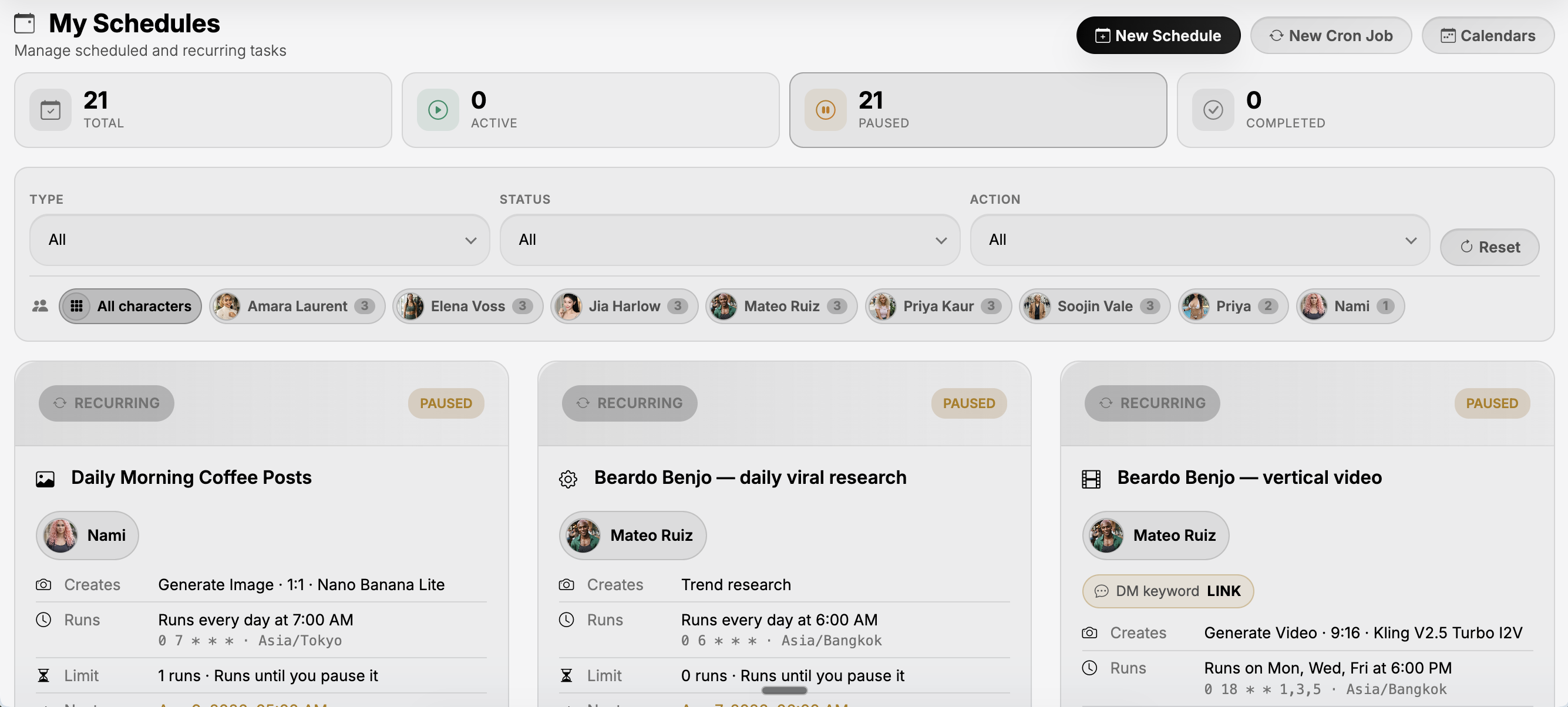
The board. Every schedule you own in one place — what it makes, when it next runs, which character it belongs to, and whether it is live or paused. Filter it by character when the roster gets long.
Four things, in order, every time the clock comes round — and you are not one of them.
A content manager reads what this schedule has already published and writes a fresh idea instead of repeating one. You give it a few seed topics and a note on style; it keeps inventing new angles long after those topics run out.
The idea goes through the same face pipeline your character uses in chat, with the same image model — plus the saved look or page style you attached, so the shot type varies while the person doesn't.
In the language you picked, ending in hashtags built from your target keywords. If a DM keyword campaign is attached, the call to action goes in too.
Straight out to the accounts you ticked, or held on your posts board as a draft if you would rather look first. That is one switch on the schedule.
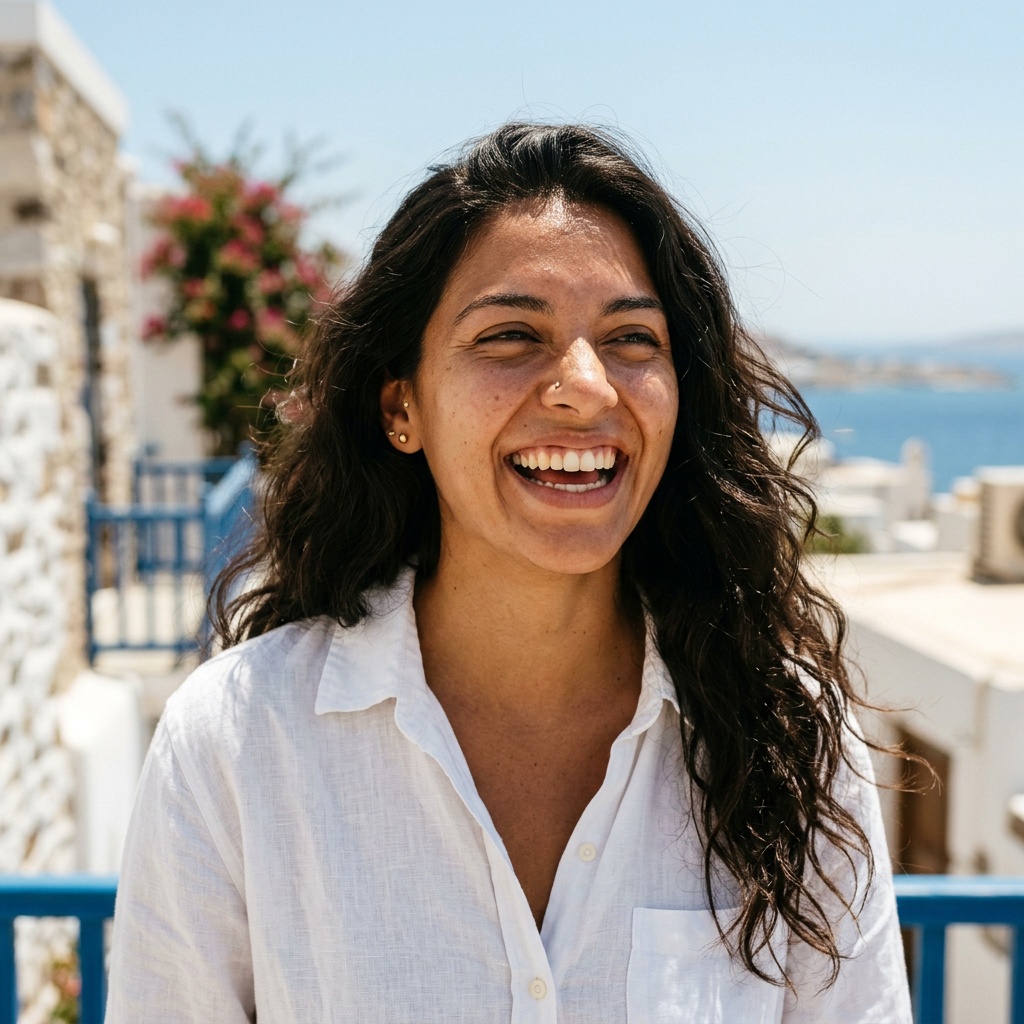
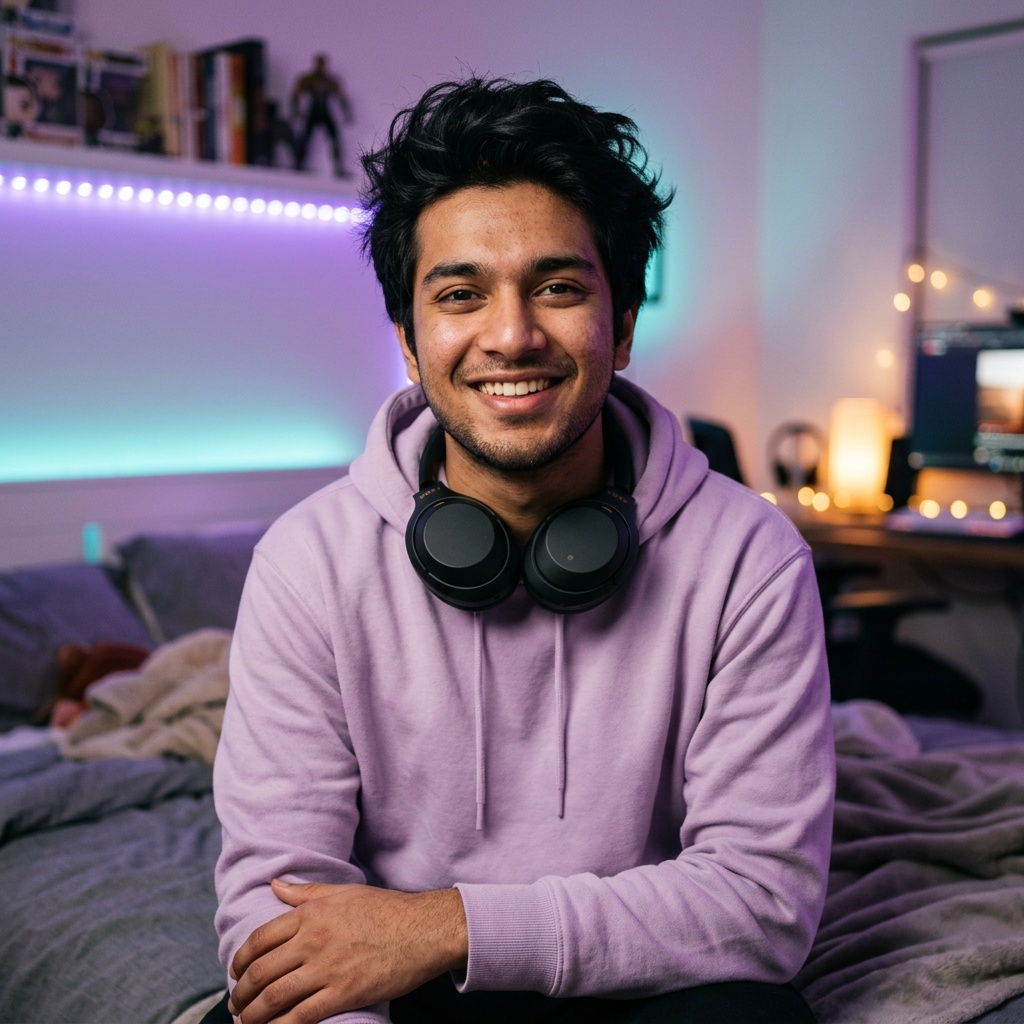
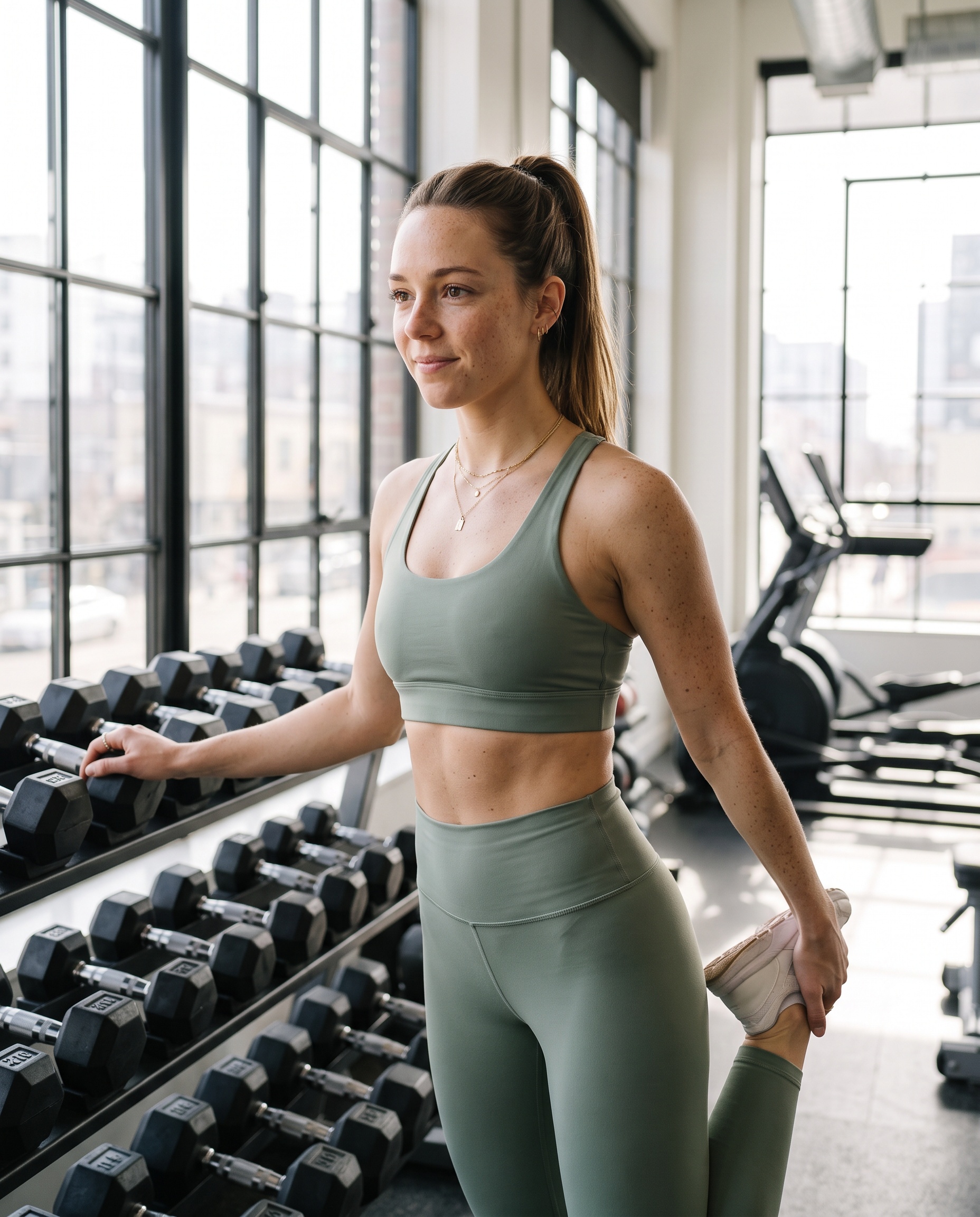
The reason scheduled content usually fails is drift — post forty and you are looking at forty cousins. Every scheduled render is fed your character's own reference and sheet, so the coffee shop, the gym and the evening street below are one person, not three.

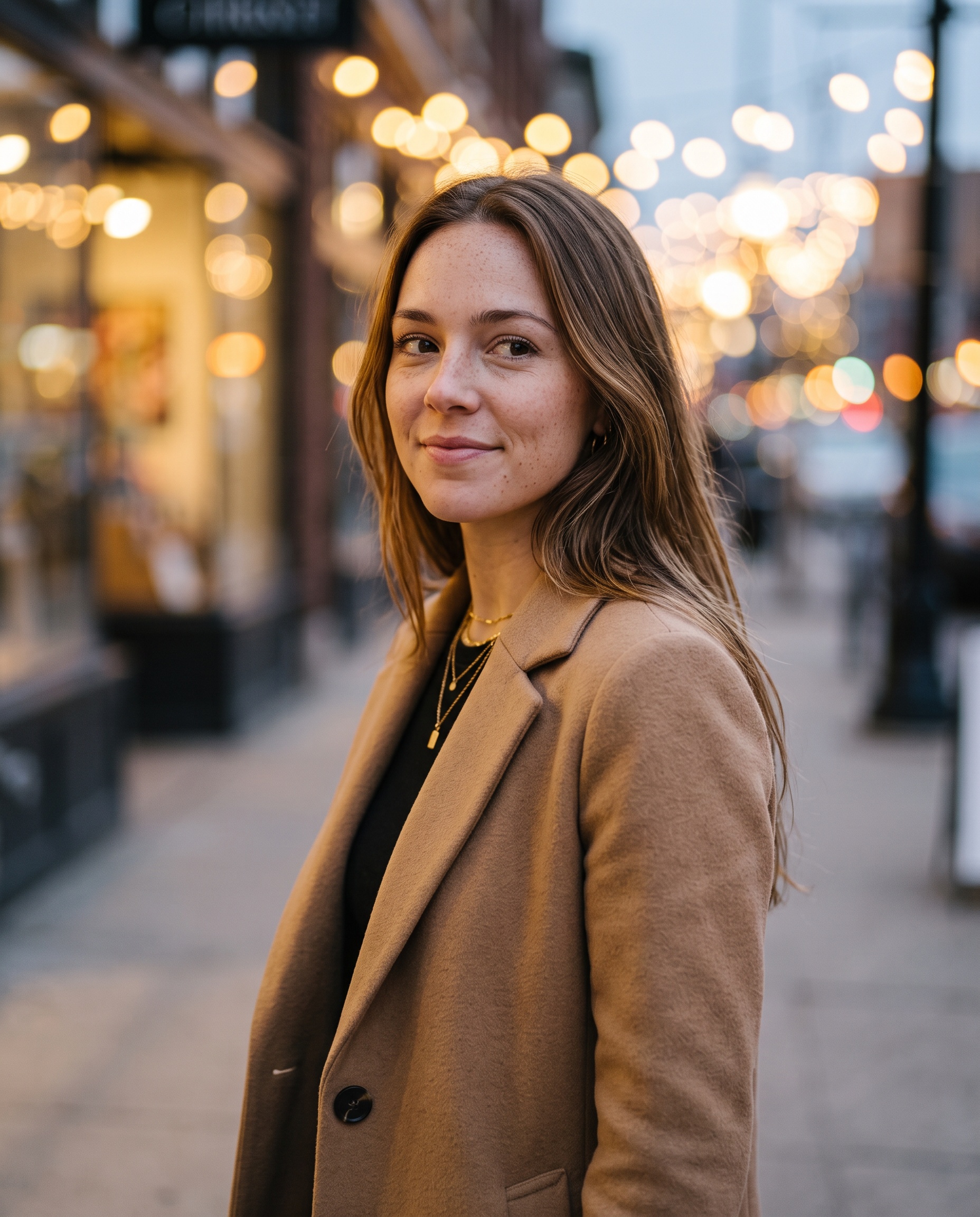
Pick one per schedule, and run as many schedules as the character needs.
A fresh image every run, rendered with your character's own model and look. The most common schedule and the cheapest to run.
Image-to-video, so the clip is your character moving rather than a stranger. It seeds its own still first if you don't hand it one, then animates that.
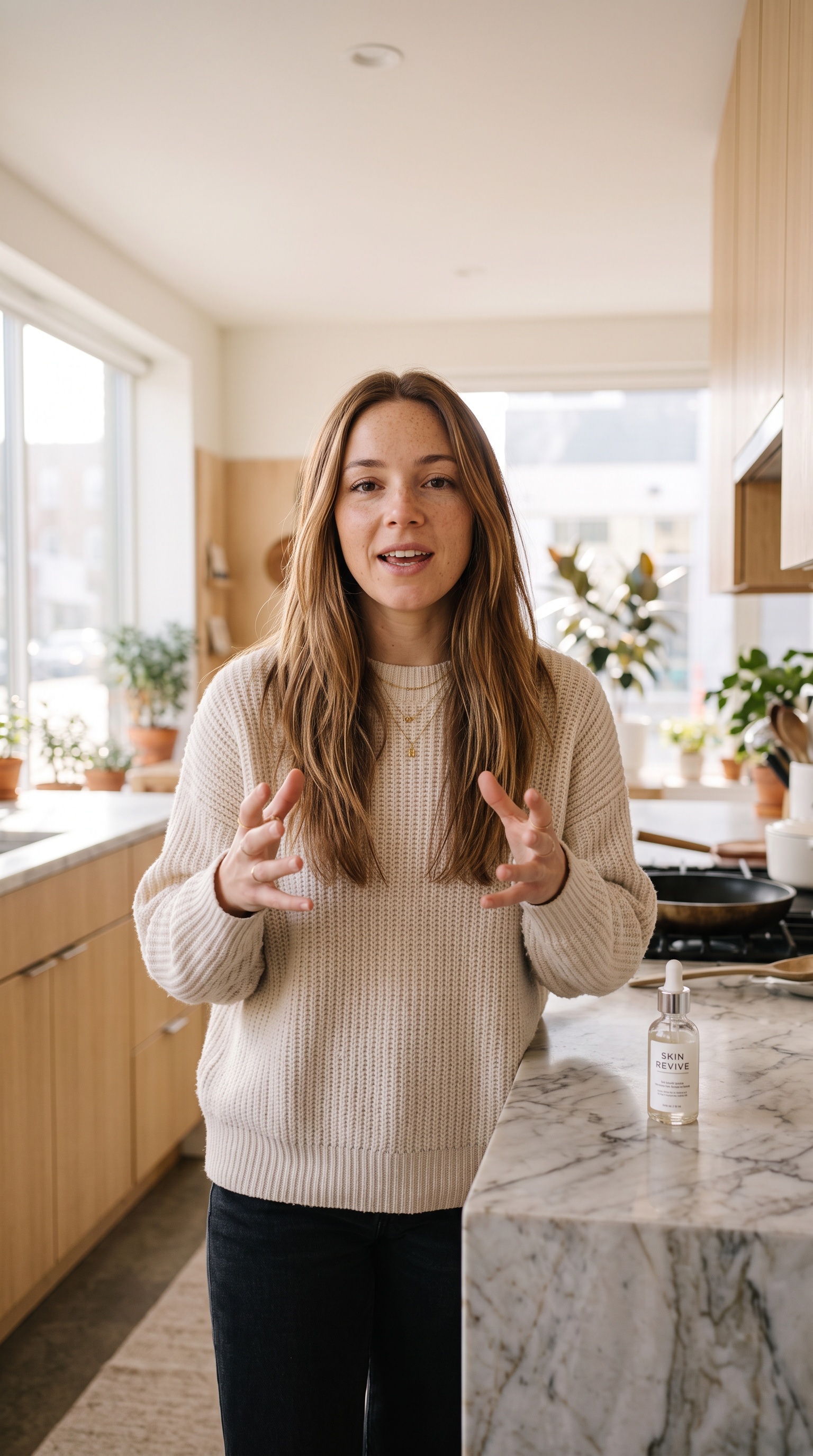
A hook, a storyboard, a voiceover and burned-in captions, rendered frame by frame into a vertical ad and posted on the same cadence.
How UGC ads workA publish-only schedule that costs nothing to run: it works through the character's public gallery, newest unposted first, then rotates. Anything private or hidden is never eligible.
Click Connect, approve it on the network, done — there is no API key to find and no developer account to register. Your licence covers five connected accounts, and a schedule can publish to several of them at once.
One cadence per schedule, never two competing ones.
Pick the days, pick a time, and it posts once a day. Or say "every three hours from 17:00" and it spaces the runs across the clock from there.
Each schedule carries its own timezone, so a 7am Tokyo post stays a 7am Tokyo post while you are somewhere else entirely.
Build a named set of weekly slots — Mon/Wed/Fri at 09:00 — and queue posts into it, instead of giving every post its own cron.
Cap it at a number of runs, give it an end date, or run it until you stop it. Pausing and restarting is one click on the board.
One board holds every schedule for every character you run. Filter by character, see the count against each name, and work a client's account without losing the rest.
You don't have to open the builder at all. Tell your character in agent mode — or tell Aria, who manages all of them — "post every morning at seven, gym content, publish to Instagram." She checks what you actually have connected first, then writes the schedule.
Hit Test run in the builder and it produces one post the way the real thing would — same content manager, same look, same caption — so you find out what a week of this looks like before a week of it happens.
Build an influencer — freeAutomation you can't trust unattended isn't automation. These are the parts that matter at 3am.
A publish schedule that runs out of eligible media records why it skipped and tries again next time. It doesn't mark itself failed and end, which would mean adding content later could never revive it.
Captions are checked before they go out. If the model answers with something that reads like the image prompt, the post publishes with no caption rather than leaking one.
Each run pays for its own generation and refunds itself if the generation fails, so a bad night costs you the posts, not the balance.
Every scheduled image carries the schedule that produced it, so a post on the board links back to the schedule behind it — even after the schedule is gone.
Your choice, per schedule. Auto-publish sends each run straight to the accounts you ticked. With it off, the run still generates the content and leaves it on your posts board as a draft for you to publish yourself.
Instagram, X and YouTube. You connect an account by clicking Connect and approving it on the network — there is no API key to paste. A licence covers five connected accounts.
A content manager reads what that schedule has already published and writes a fresh idea, so it does not repeat itself. You give it seed topics and a note on style; it keeps finding new angles once those topics are used up.
Yes. Scheduled renders go through the same face pipeline your character uses in chat, fed with its own reference images. A saved look keeps one layout; a page style instead rotates the framing each run so the feed looks shot rather than posed.
Yes — image-to-video clips of your character, and full UGC ad videos with a hook, a voiceover and burned-in captions. A video schedule renders its own seed still first if you have not given it one.
Yes. A publish-only schedule works through the character's public gallery — newest unposted first, then rotating — and costs nothing to run because it generates nothing. Anything you kept private or hidden is never eligible.
A failed generation refunds its own coins. A publish schedule with nothing eligible to send records a skip and tries again next time instead of marking itself failed, so adding content later brings it back on its own.
No. You can tell your character in agent mode, or tell Aria, what you want posted and when, and the schedule is created with every field filled — then opened and edited in the dashboard like any other.
Build the character free, connect the accounts, and let the calendar do the posting.